Admin Guide
Hey fellow gamers! Ready to take control and run your Project Zomboid server like a pro? As an admin, you have the power to shape your server’s universe—adjusting gameplay, setting challenges, and keeping things in order. Here’s your quick cheat sheet to unlock your admin abilities in Project Zomboid:
1. Access the Control Deck
Head over to the game server’s control hub at panel.oxy.games.
2. Pause the Action
Stop the server to safely tweak the settings.

3. Navigate to the Startup Zone
Go to the Startup Tab to configure your settings.
4. Craft Your Secret Identity
Pick an Admin Username and Password—make it secure yet memorable.
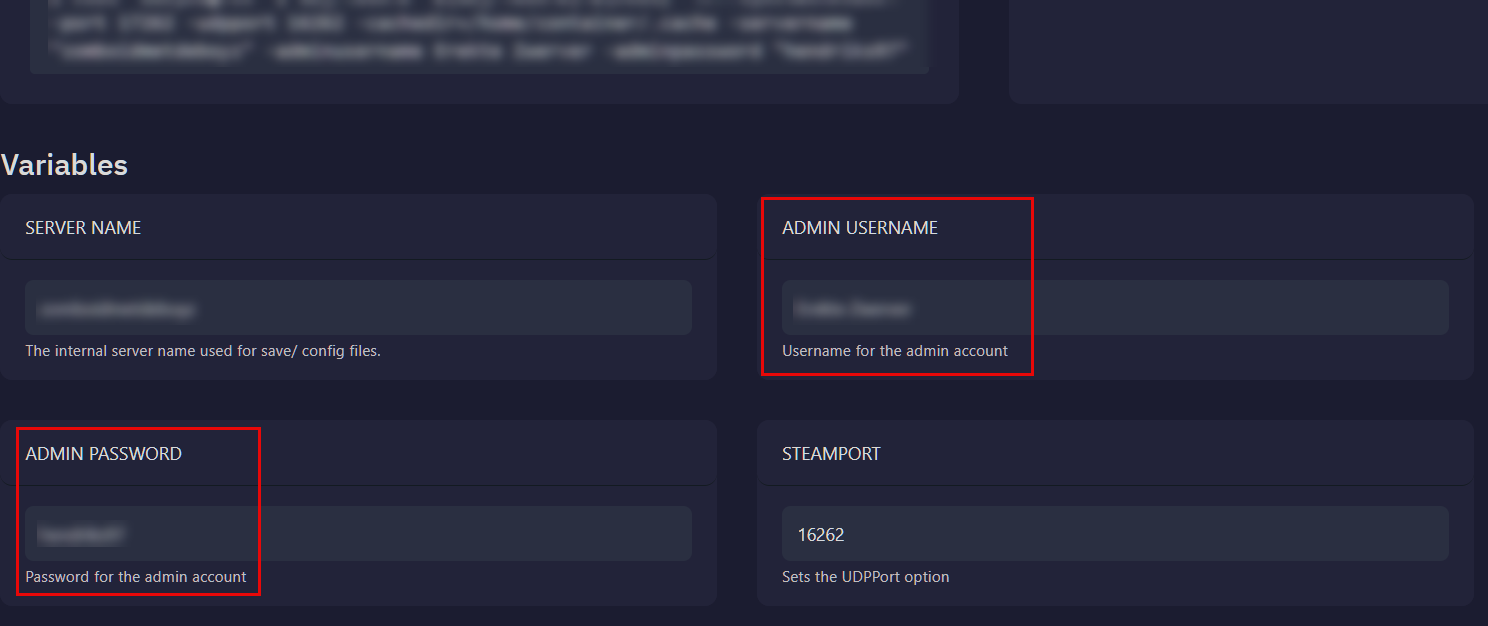
5. Jump Back into the Game
Start your server and prepare to dive in.
6. Merge into the Main Scene
From the Project Zomboid main screen, select Join.
7. Enter the Admin Realm
Use your new Admin credentials from Step 4 to take command of your server.
And that’s it! You’re now ready to lead your server to legendary status. Happy gaming! 🎮