Start Your Game Server
Once your game server is set up, it does not start running automatically. You'll need to manually initiate it through the control panel.
Steps to Start Your Server
-
Log in to the Game Control Panel
Refer to this guide for more details on how to access your control panel. -
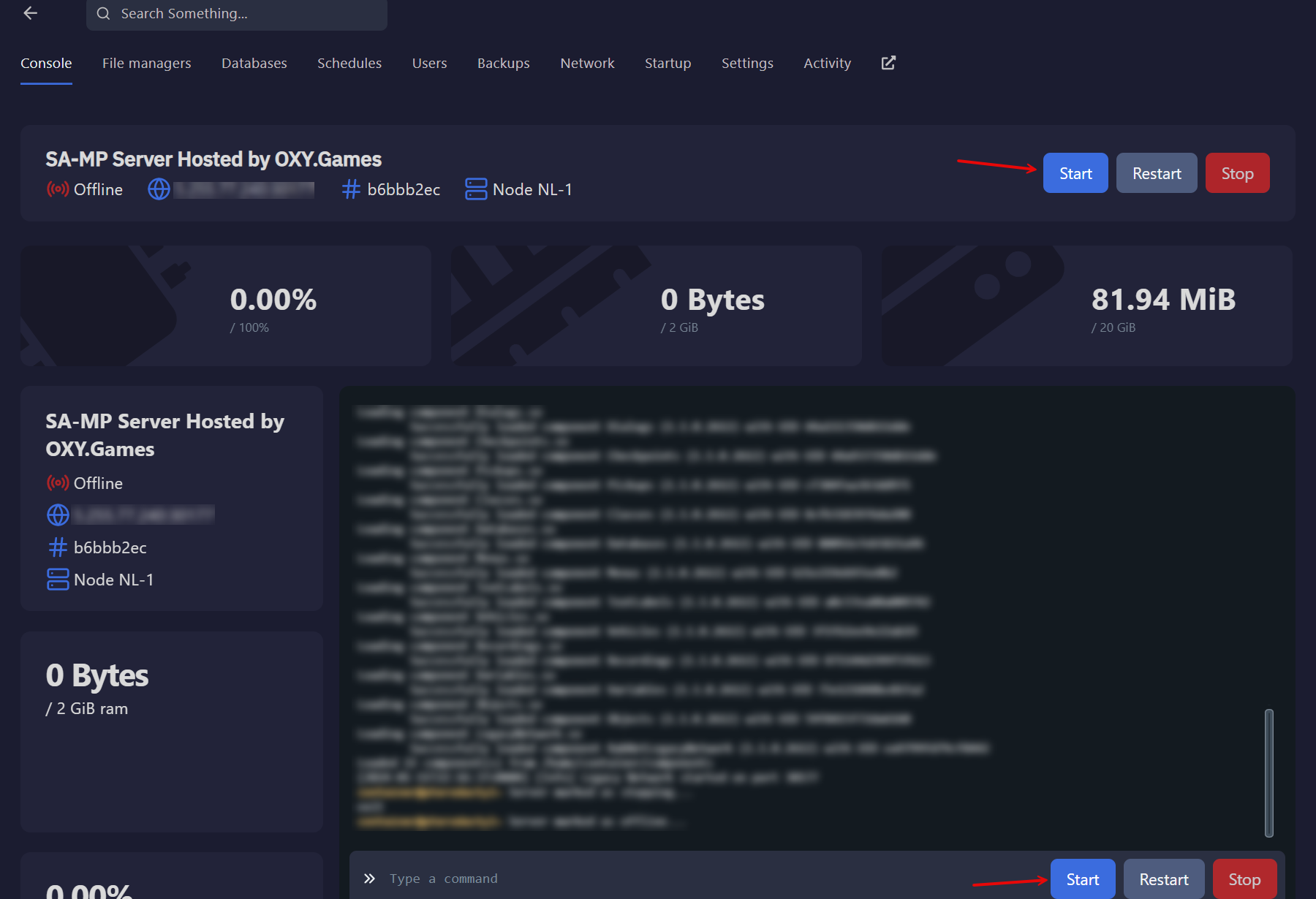
Navigate to the Console Section
Once logged in, go to the Console section. -
Use the Action Buttons
Use the provided controls to manage your server:- Start – Launch your server.
- Stop – Shut down your server.
- Restart – Reboot your server.